Introduction
Discord bots are one of the most popular ways to consume esports data. Whether you're building for a gaming community, a fantasy esports league, or just for fun, having real-time match data at your fingertips makes your bot infinitely more useful.
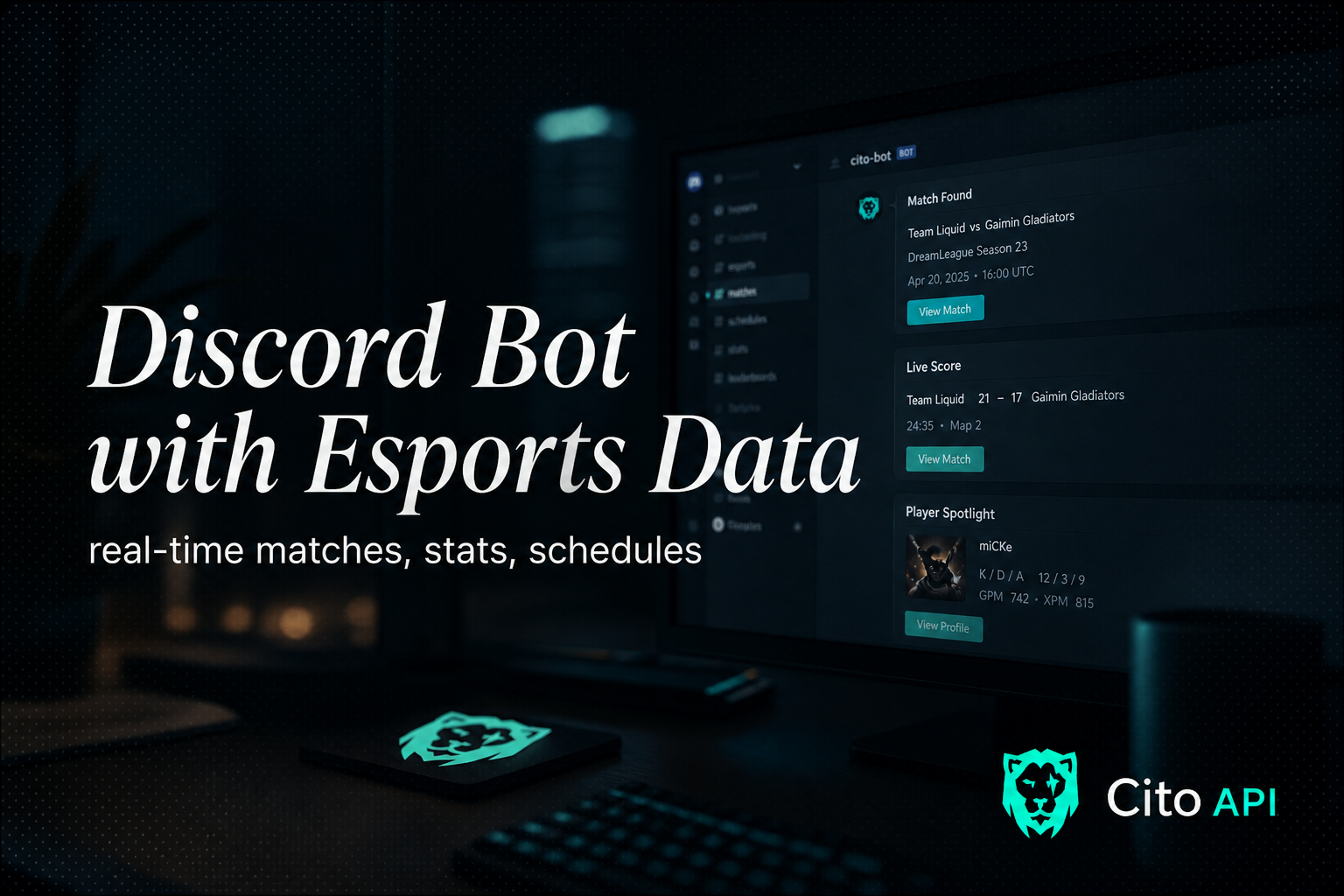
In this tutorial, we'll build a Discord bot that can:
- Fetch live match scores for Call of Duty and Fortnite
- Display player statistics on demand
- Send alerts when matches start or end
The same pattern works for Counter-Strike: the Counter-Strike 2 API returns live series, map and round scores from /cs2/live, so a CS2 score command is one more endpoint.
Test the API First (No Signup)
Before setting up the full bot, test the API instantly with our demo key:
curl -H "x-api-key: pk_demo_cito_live_a06c129e0a9ce1c39c3035bd187541c4" \ https://api.citoapi.com/api/v1/cod/matches/live
Demo key limits: 50 calls/day. Get your free API key for 500 calls/month to use in production.
Prerequisites
Before we start, make sure you have:
- Node.js 18+ installed
- A Discord bot token (create one at discord.dev)
- A Cito API key (sign up at citoapi.com or use demo key for testing)
Setting Up the Project
First, create a new directory and initialize your project:
mkdir esports-discord-botcd esports-discord-botnpm init -ynpm install discord.js axios dotenv
DISCORD_TOKEN=your_discord_bot_tokenCITO_API_KEY=your_cito_api_key
const { Client, GatewayIntentBits, EmbedBuilder } = require('discord.js');const axios = require('axios');require('dotenv').config(); const client = new Client({ intents: [ GatewayIntentBits.Guilds, GatewayIntentBits.GuildMessages, GatewayIntentBits.MessageContent, ],}); const api = axios.create({ baseURL: 'https://api.citoapi.com/api/v1', headers: { 'x-api-key': process.env.CITO_API_KEY, },}); client.on('messageCreate', async (message) => { if (message.author.bot) return; if (message.content === '!live cod') { const { data } = await api.get('/cod/matches/live'); const embed = new EmbedBuilder() .setTitle('Live CDL Matches') .setColor(0x00E5CC); data.matches.forEach(match => { embed.addFields({ name: `${match.team_a.name} vs ${match.team_b.name}`, value: `Score: ${match.team_a.score} - ${match.team_b.score} | Map: ${match.map}`, }); }); message.reply({ embeds: [embed] }); }}); client.login(process.env.DISCORD_TOKEN);
if (message.content.startsWith('!player ')) { const username = message.content.slice(8); const { data } = await api.get(`/cod/players/${username}`); const embed = new EmbedBuilder() .setTitle(data.player.username) .setDescription(`Team: ${data.player.team}`) .addFields( { name: 'K/D Ratio', value: data.stats.kd.toString(), inline: true }, { name: 'Matches', value: data.stats.matches.toString(), inline: true }, { name: 'Win Rate', value: `${data.stats.win_rate}%`, inline: true }, ) .setColor(0x00E5CC); message.reply({ embeds: [embed] });}
Deploying Your Bot
For production, we recommend hosting on Railway, Fly.io, or a simple VPS. The bot uses minimal resources and can run 24/7 on a $5/month server.
Next Steps
- Add slash commands for better UX
- Implement caching to reduce API calls
- Set up webhooks for real-time match alerts
- Check out our Discord Bot Guide for more advanced patterns
Conclusion
You now have a working Discord bot that can fetch live esports data. The Cito API makes it easy to add esports features to any application—no enterprise contracts or sales calls required.
Ready to build? Get your API key and start building today.
---
Related reading: